Last week, I gave a presentation to a committee focused on improving the technology and innovation ecosystem in our state. I had been asked several months earlier to deliver this presentation, so I created a note on my iPhone where I regularly jotted down ideas, solicited input from others, and ran searches to see what other ecosystems had done successfully in the past. Over time, all of that research and thinking lived in one simple note.
When it was time to build the slides, everything I needed was already in one place. The next step was to turn those raw thoughts into a polished, professional presentation. To do that, I created a new note on my iPhone, tapped the microphone button, and talked through the presentation out loud. I covered the audience, my goals, the desired outcomes, and then walked through each slide in sequence. Because the research was already done and the ideas were well formed, this part was fast.
It took about five minutes to talk through the entire deck: an introduction, my background and experience, the major trends I’m seeing, five core ideas—each with its own slide—and a closing thank-you slide.
With the voice-to-text draft complete, I copied and pasted the resulting (and admittedly garbled) notes into ChatGPT. At the top, I included instructions about the audience, goals, and format, and asked ChatGPT to produce a structured slide outline. Almost instantly, it returned a clean framework for each slide, including the slide title, key visual concept, on-screen text, and behind-the-scenes talking points.
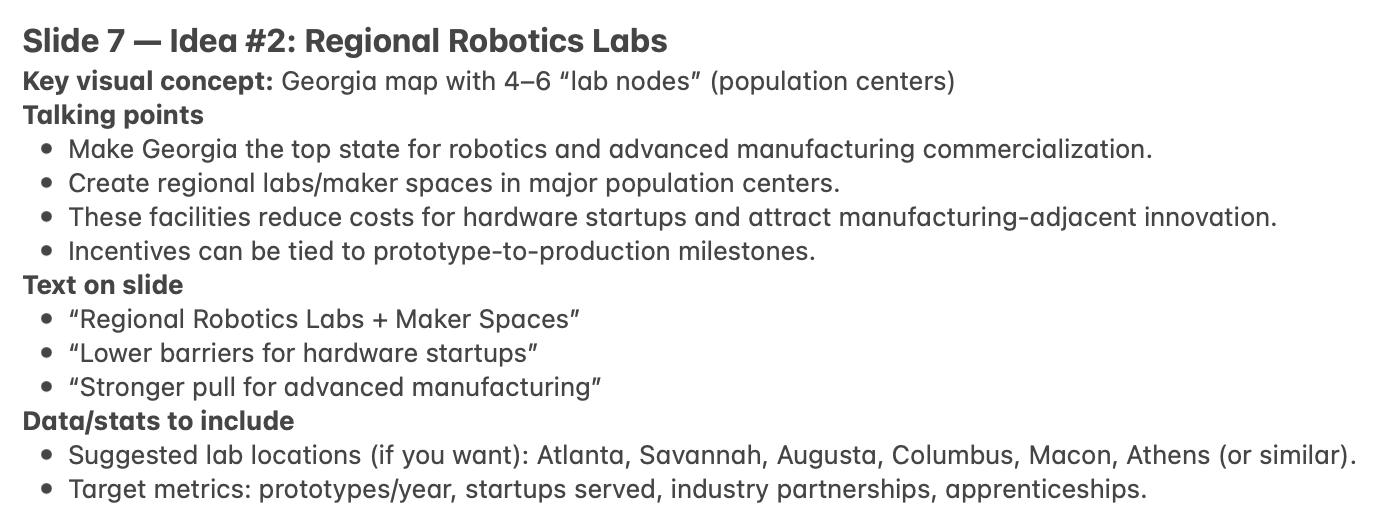
With the outline done, the final step was producing the actual slides. I opened Google Slides, created a new presentation, clicked the Gemini button, and selected the Nano Banana image visualization tool. For each slide, I copied and pasted ChatGPT’s output into the visualization prompt and hit “go.” After a couple of minutes, it generated polished, visually compelling slides complete with graphics, charts, and relevant contextual information.
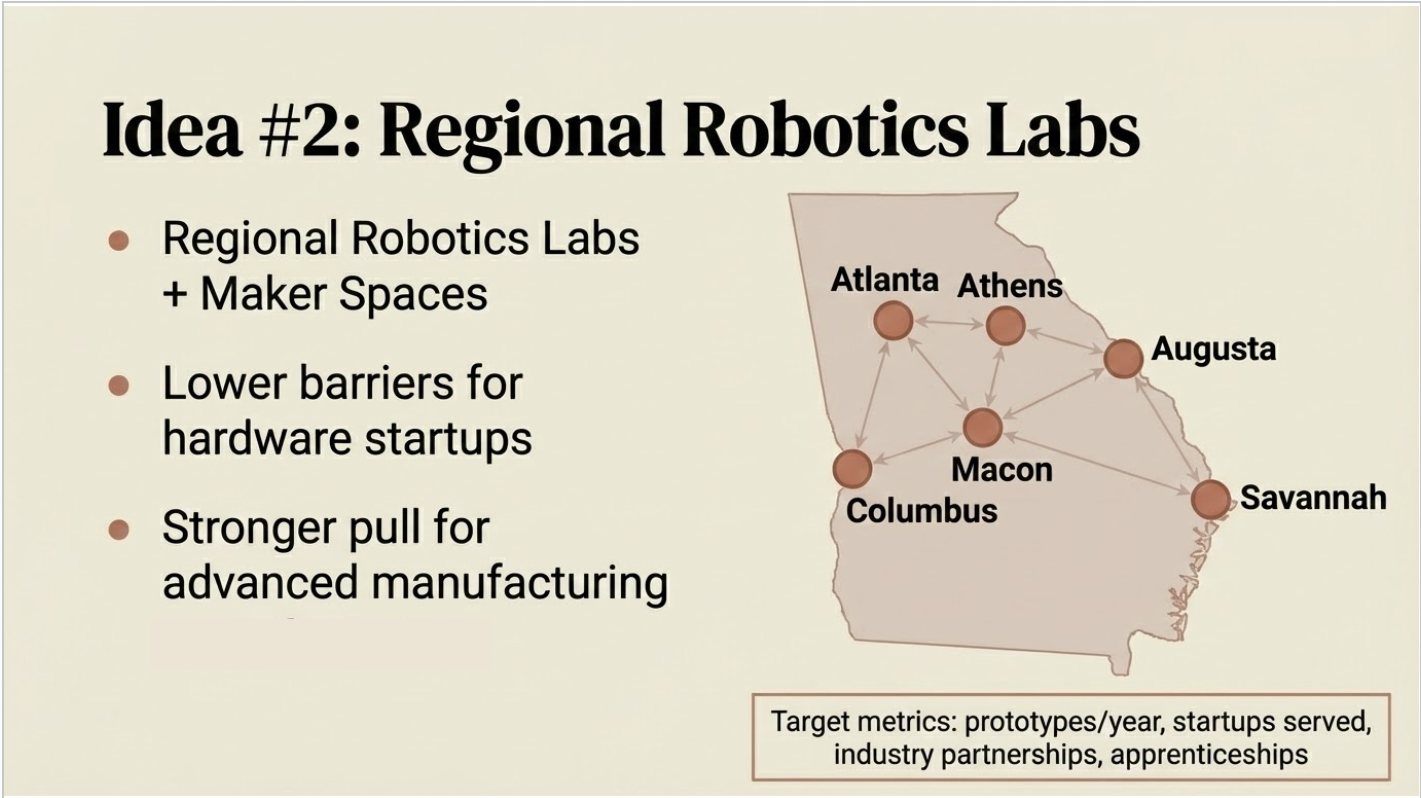
I then inserted each generated image as a slide in Google Slides—and I was finished.
Fifteen minutes from start to finish, after a couple of months of research, I had a complete, professional-looking slide deck that was consistent, visually engaging, and ready to present.
Try it yourself. You’ll be blown away. We’re entering a new era, and this simple workflow is just one example of how dramatically the way we work is changing.
 David Cummings on Startups
Leave a comment